Share a folder with friends
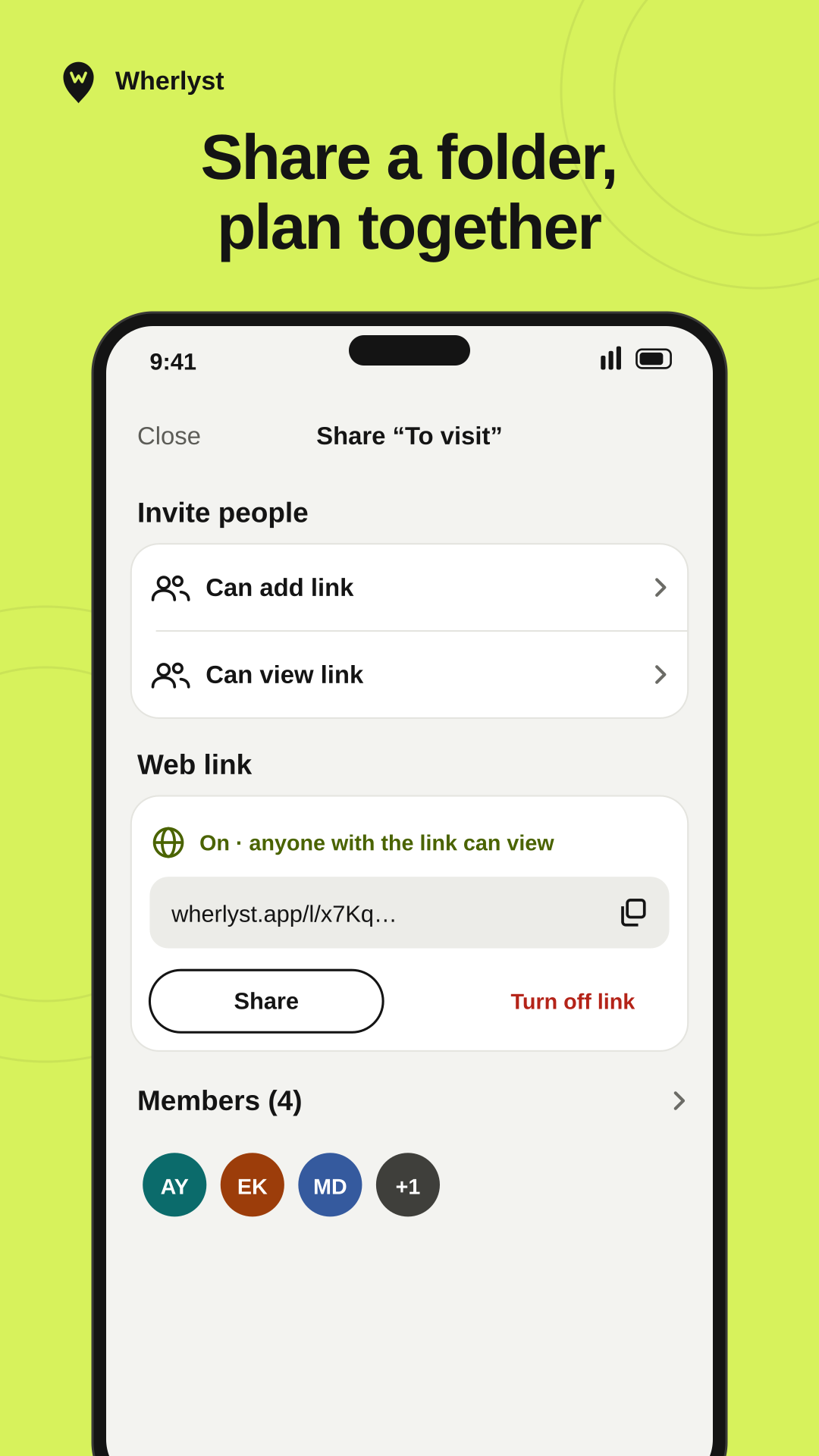
Plan a trip together, or send a list to someone who doesn't use Wherlyst. You choose who can add places and who can only look.
Three ways to share a folder
Invite link
Create one link for people who can add places and another for people who can only view. A link for adding works for 48 hours, a link for viewing for 7 days.
Invite by email
Type a friend's email address and choose what they can do. They find the invite in the app, or open it from the email.
Web link
Anyone with the link sees the folder's places on a map in their browser. No app, no account.
Who can do what
Everyone in a folder sees the same places. What they can change depends on how they joined.
| Action | Owner | Can add | Can view | Web link visitor |
|---|---|---|---|---|
| See the places on a map | ||||
| See who added each place | ||||
| Add places | ||||
| Turn the web link on or off | ||||
| Remove people from the folder | ||||
| Needs the app and an account |
A web link you control
On. Anyone with this link can view the folder.
Try the switch. The address is an example.
Turning the link off stops the old address right away. People you invited keep their access. Turn it on again and you get a new address.
In the browser, the folder shows your name as the owner. It doesn't show who added each place.
If you turn on a web link for a folder other people add to, they're told in the app and can take their places out.
Something in a shared list that shouldn't be there? Anyone can report it, from the app or from the web page. How to report content
Keep a list someone sent you
Opened a web link and want to hold on to it? Open it in Wherlyst and add the folder to your own list. You'll see the places and any new ones, but you can't add to it.
Folders shared with you sit next to your own, marked as shared, so you always know what you can change.
Start a list you can plan together.
Coming soon to iPhone and Android
Coming soon to iPhone and Android.